
Your cameras on an interactive 3D plan of your site
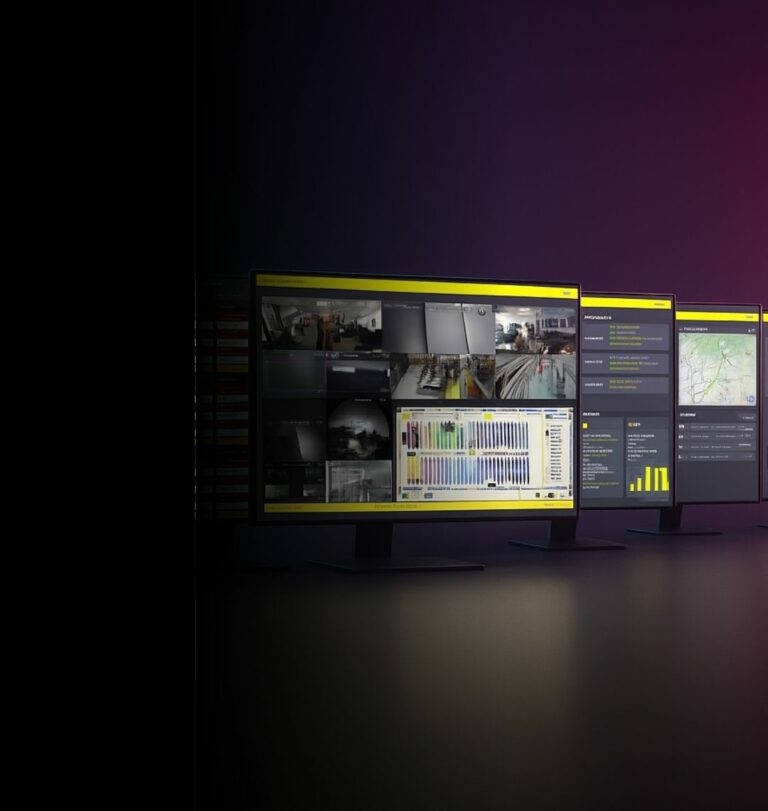
An interactive evolution of the plan built into your VMS: each camera is a bubble at its real position, alarms appear where they happen, and the plan follows the pursuit.
Forty cameras, and no idea which one covers the north corridor
A video system is a list of camera numbers. The building it watches is a place — with corridors, doors, floors and blind spots. Between the list and the place, someone has to hold the mapping in their head.
That someone is usually the person who configured the system. When an alarm fires and they are not there, the operator loses time working out where they are looking before they can look at anything useful.
Your cameras placed on an interactive 3D plan of the building
SmartOverview is a dynamic, interactive evolution of the plan built into your VMS. Each camera becomes a bubble positioned where it actually is on the plan of the site — so the system stops being a list and becomes a place.
The cameras become bubbles on the plan
Each camera sits at its real position on the building plan. You no longer need to know that « camera 08 » is the first-floor corridor: you can see it.
Alarms appear where they happen
An alarm shows as a pictogram on the plan, at the place it was raised. The question « where is this? » disappears.
The plan follows the pursuit
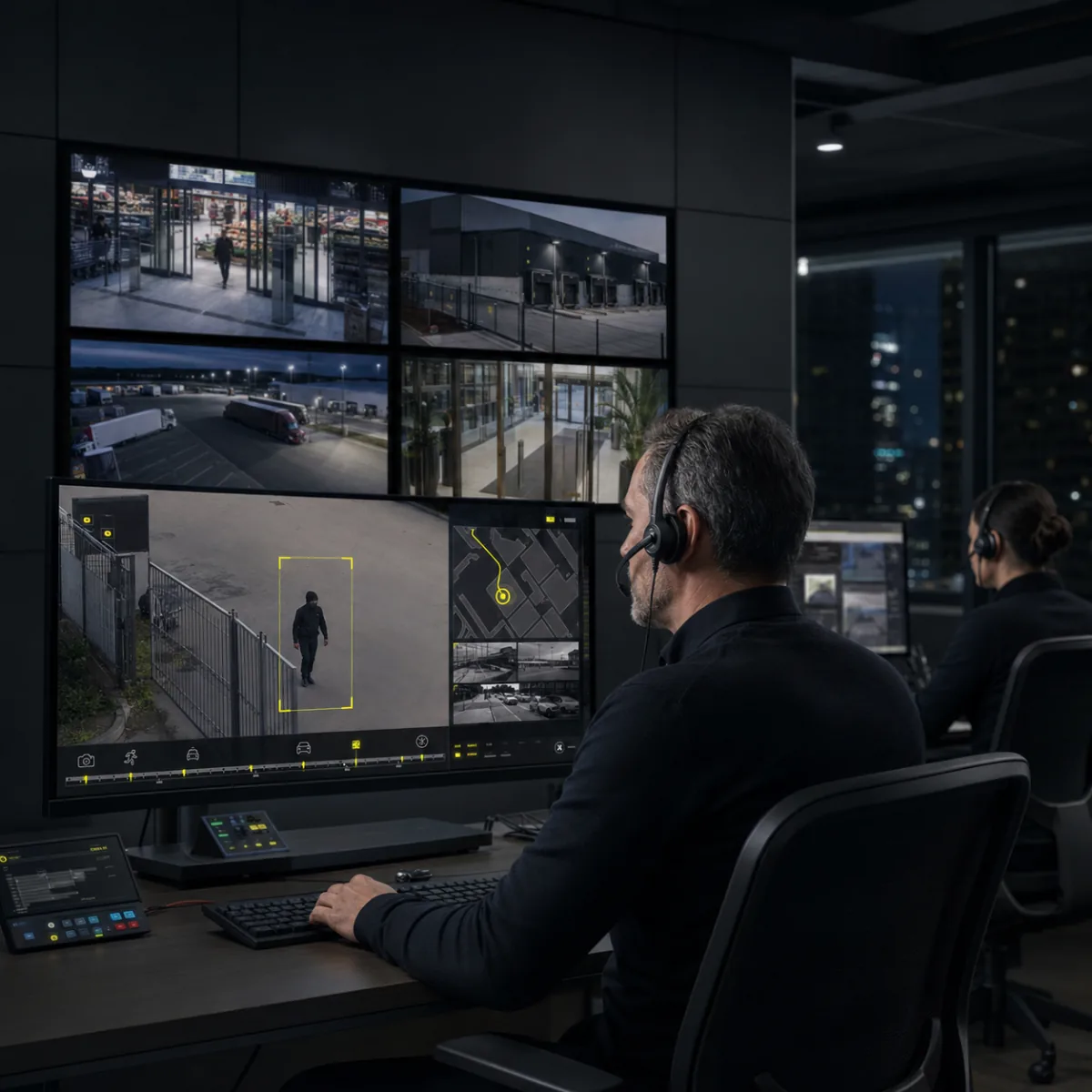
When a camera becomes active in a pursuit, its bubble grows. Shortcuts take you straight to the pursuit or the recording — the plan brings the information to you rather than the reverse.
See, Perceive, Foresee — applied to a site plan

See
Watch intrusion alarms appear on the plan in real time, where they are actually happening.

Perceive
Reach the pursuit and the recording from the plan itself, and understand a sequence as a path through a building rather than as a list of clips.

Foresee
Read which areas of the site raise alarms, and act on the layout rather than on the incident.
SmartOverview is not CamGuide — and they work together
Both help you follow what is happening across a site. They answer two different questions, and the product sheet is explicit that they interact.
SmartOverview — the plan: where am I?
An interactive 3D plan of the site with your cameras placed on it. It gives you the geography: which camera covers what, and where an alarm was raised.
CamGuide — the image: where are they going?
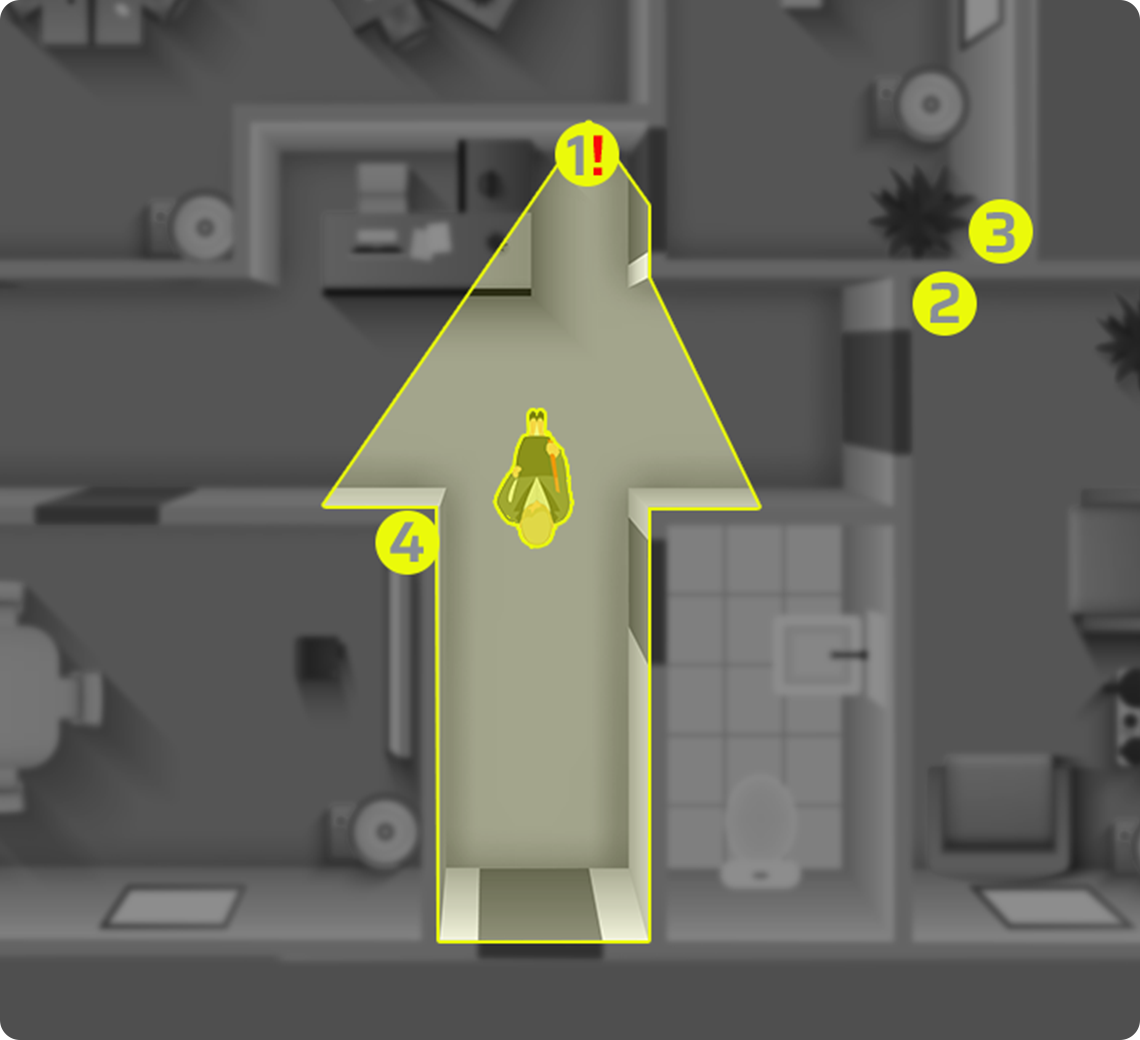
Clickable zones on the picture itself, so you follow a person from camera to camera by clicking the direction they take. It gives you the movement.
Sites where knowing the cameras by heart is not realistic
Large buildings
Warehouses, hospitals, shopping centres: places where a camera number tells you nothing about where you are looking.
Several floors
A plan carries the level. A list of camera names rarely does.
Occasional users
The manager who opens the system four times a year should not have to relearn the numbering each time.
Out-of-hours cover
Whoever is on duty at 3 a.m. is rarely the person who configured the system.
Alarm handling
Seeing where the alarm was raised, on the plan, before deciding what to do about it.
Investigations
Reconstructing a path through a building, rather than assembling clips and hoping they connect.
They trust us
“We are very satisfied with all ANAVEO equipment, including video surveillance, intrusion detection and remote monitoring. The clarity and quality of the images are excellent, even at night. The sales and customer service teams are available and responsive.”
“As a client for over 10 years, I am extremely satisfied with having equipped my 8 Intermarché stores and 7 bakeries with ANAVEO’s video surveillance solutions. Your remote monitoring tool is practical, and the quality of your customer service sets you apart.”
 Sébastien PillardPresident, Intermarché (18)
Your questions about SmartOverview
What exactly does SmartOverview show?
An interactive 3D plan of your site with your cameras placed on it as bubbles, at their real position. Alarms appear on the plan, where they were raised.
What scale does SmartOverview work at?
At the scale of a site: the plan of your building, floor by floor, with your cameras placed on it where they actually are.
How is it different from CamGuide?
SmartOverview gives you the geography — the plan and where each camera is. CamGuide gives you the movement — you click on the image in the direction a person is heading. They interact, and sites often use both.
What happens during a pursuit?
The bubble of the active camera grows on the plan, so you keep track of where you are in the building. Shortcuts take you to the pursuit or the recording.
How does it work with my VMS?
It is a dynamic evolution of the plan already built into your video management system: it turns that plan into something you can read and act on.
What does it require?
The INNOVEO platform in a recent version, and a configuration pass to place the cameras on the plan of your building. An audit establishes both.
The rest of the INNOVEO range
See what your site looks like as a plan rather than a list
A demonstration starts with the plan of your building and the cameras already installed — not with a catalogue.